Navigating
Move through a universe with mouse, touch, keyboard, and on-screen controls.
Mouse and touch
Section titled “Mouse and touch”| Action | Result |
|---|---|
| Select a dot or node | Open its detail panel |
| Select a connection | Travel to the connected node |
| Drag | Rotate or pan the current view |
| Scroll or pinch | Zoom in or out |
| Swipe vertically on mobile | Move to the next or previous node |
| Swipe horizontally on mobile | Move to an adjacent lane |
Keyboard shortcuts
Section titled “Keyboard shortcuts”Shortcuts are ignored while you are typing in an input or text area.
| Key | Action |
|---|---|
| Up / Down | Next or previous node along the active axis |
| Left / Right | Move to an adjacent lane or value |
| Space | Clear a pinned value, or pause and resume route playback |
| M | Toggle the expanded map |
| ? / / | Toggle contextual help |
| Esc | Close the active overlay or dialog |
Arrow keys adapt to the current visualization. In a grid, graph, or tree, they navigate within that view.
Mobile controls
Section titled “Mobile controls”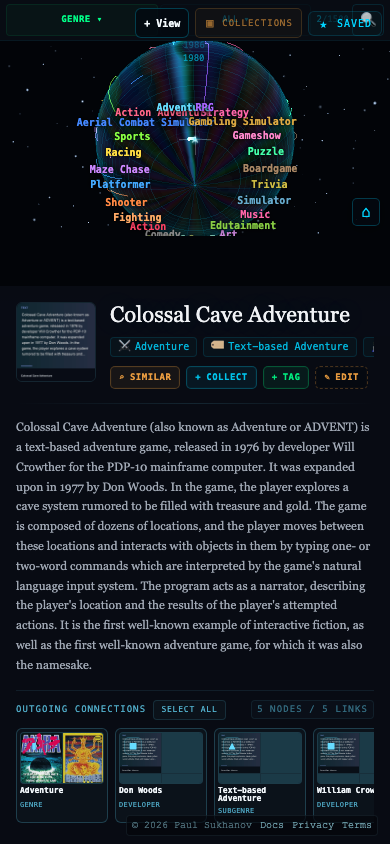
The mobile help panel labels the controls available in the current view. Use the colored arrows to change dimensions or values, the clear button to remove a pinned value, and the map button to expand the visualization.
Resizing the side panel
Section titled “Resizing the side panel”Drag the boundary between the side panel and main view to resize it. With the divider focused, use the arrow keys for smaller adjustments or Home and End to jump to either extreme.
Open Info or press ? for the most current shortcuts for the active view.