Rich media
Inspect images, audio, video, and text beside the knowledge they describe.
+ Explore Cronologies
See it from every angle. Map meaning, search across media, build connections, and move between views without losing useful context.
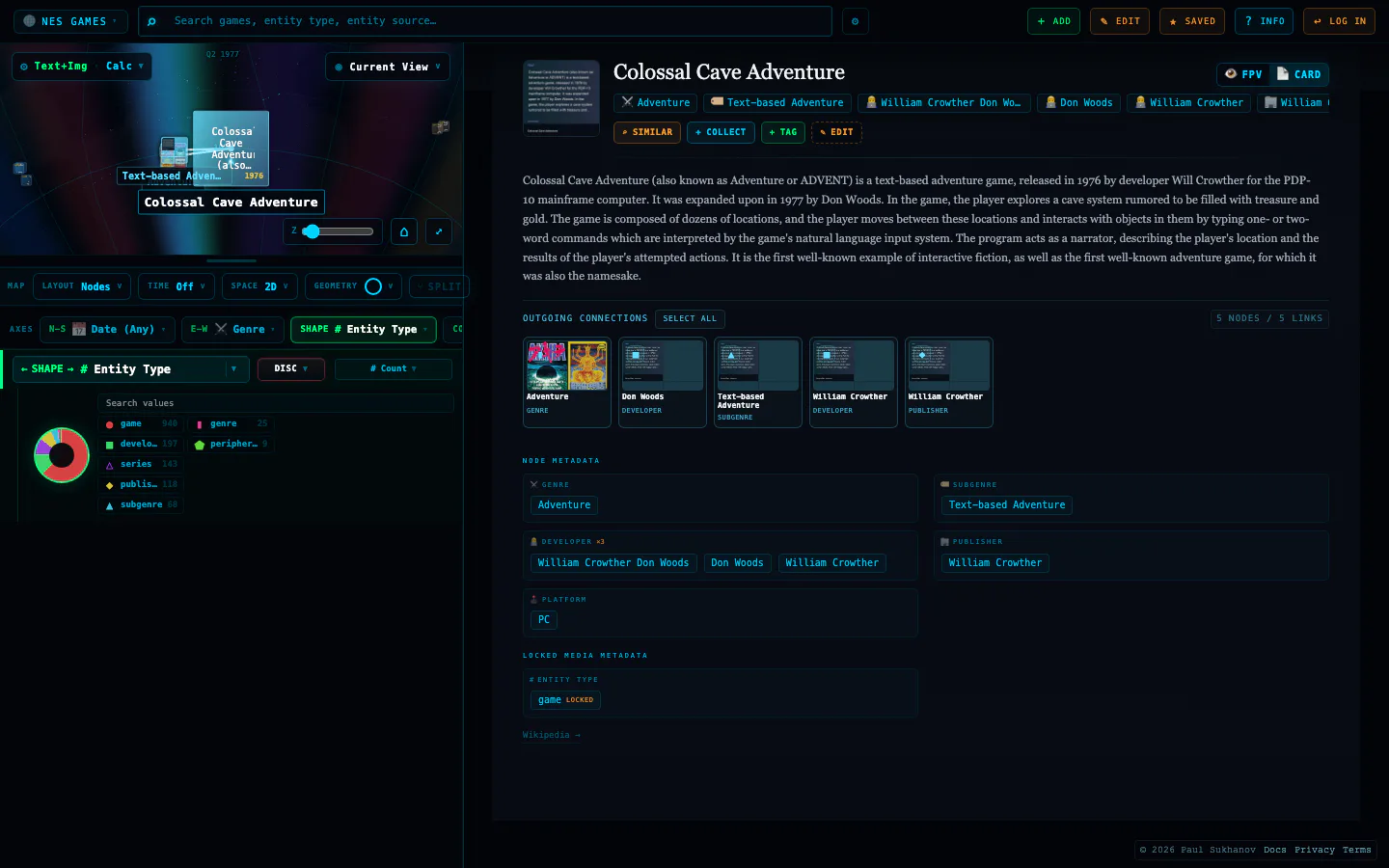 MEANING → DISTANCENODES + LINKS
01 Semantic maps
Embeddings are computed right in your browser and projected into 1D, 2D, or 3D layouts. Text, images, and video scenes share one space, so meaning lines up across media—related records drift together and outliers stand apart. What was a table becomes terrain.
Use meaning as spatial distance, not only as labels or columns.
Use UMAP and layout controls to turn complex similarity into navigable space.
Compare meaning carried by text, imagery, video scenes, and other embedded material.
02 Viewpoints & ontology
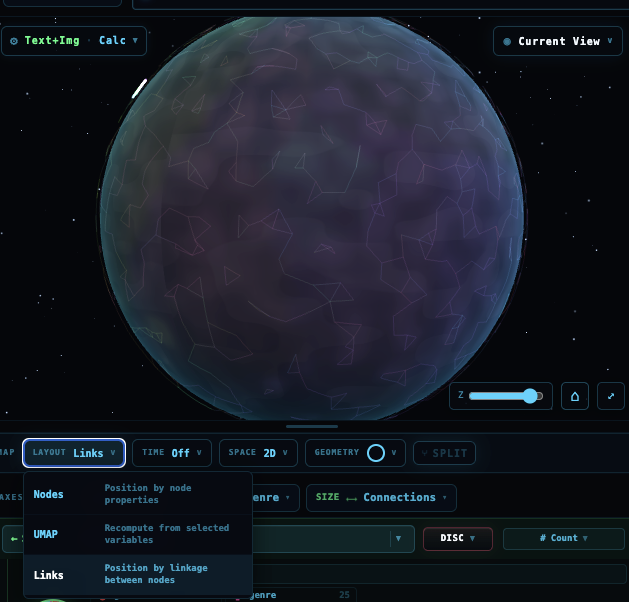
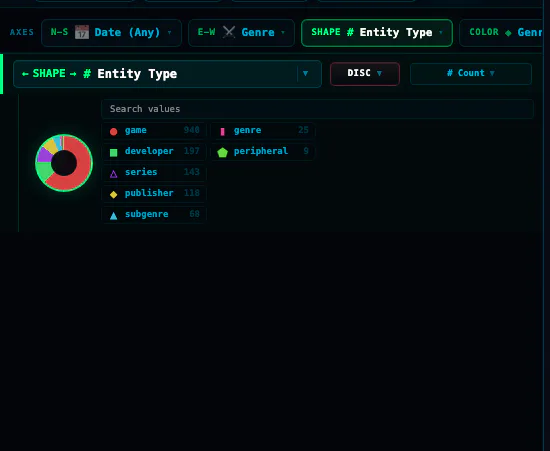
Lay the same universe out however the question demands. Place nodes by a coordinate—a property value or a UMAP-reduced embedding—or let a force-directed layout arrange them by their connections. Map any field to position, size, or color.
Position and color nodes by a property value or a UMAP-reduced embedding coordinate, in 1D, 2D, or 3D.
Switch to a force-directed graph so connected nodes pull together and clusters emerge from structure, not coordinates.
Add typed connections by hand between people, concepts, places, and media—and watch the layout rearrange.
Create dimensions, name values, and define parent-child conceptual hierarchies.
03 Many views, one universe
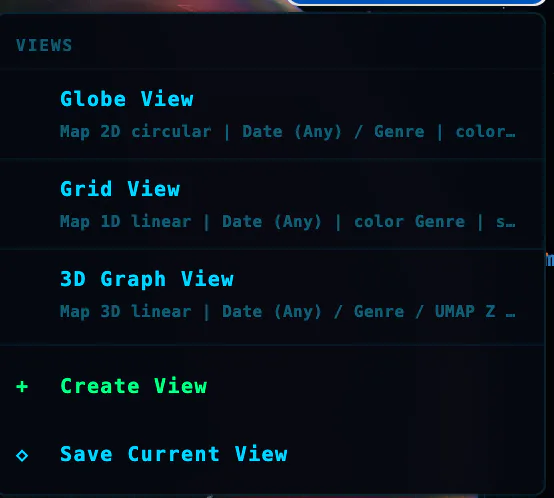
Move between globes, grids, timelines, and 3D graphs without leaving your data. Drop to first person and walk the surface, or press play and watch your universe evolve over time.
Move between globe, timeline, graph, similarity, first-person, and inverted views.
Use first-person and Tree of Knowledge views to experience structure from within.
Use temporal controls to watch records appear, cluster, and change.
04 Cross-modal search
Because text and media share one space, a phrase can surface images and an image can surface text. Query with words or an example, combine several items into a single query, and narrow the result with faceted filters.
Use plain language; matches come back by meaning, not just exact keywords.
Drop in an image or a record and find the closest images and text alike.
Select several items and search from their shared center to find the space between them.
Layer facets, dimensions, ranges, and categories on top of any search.

05 Media understanding
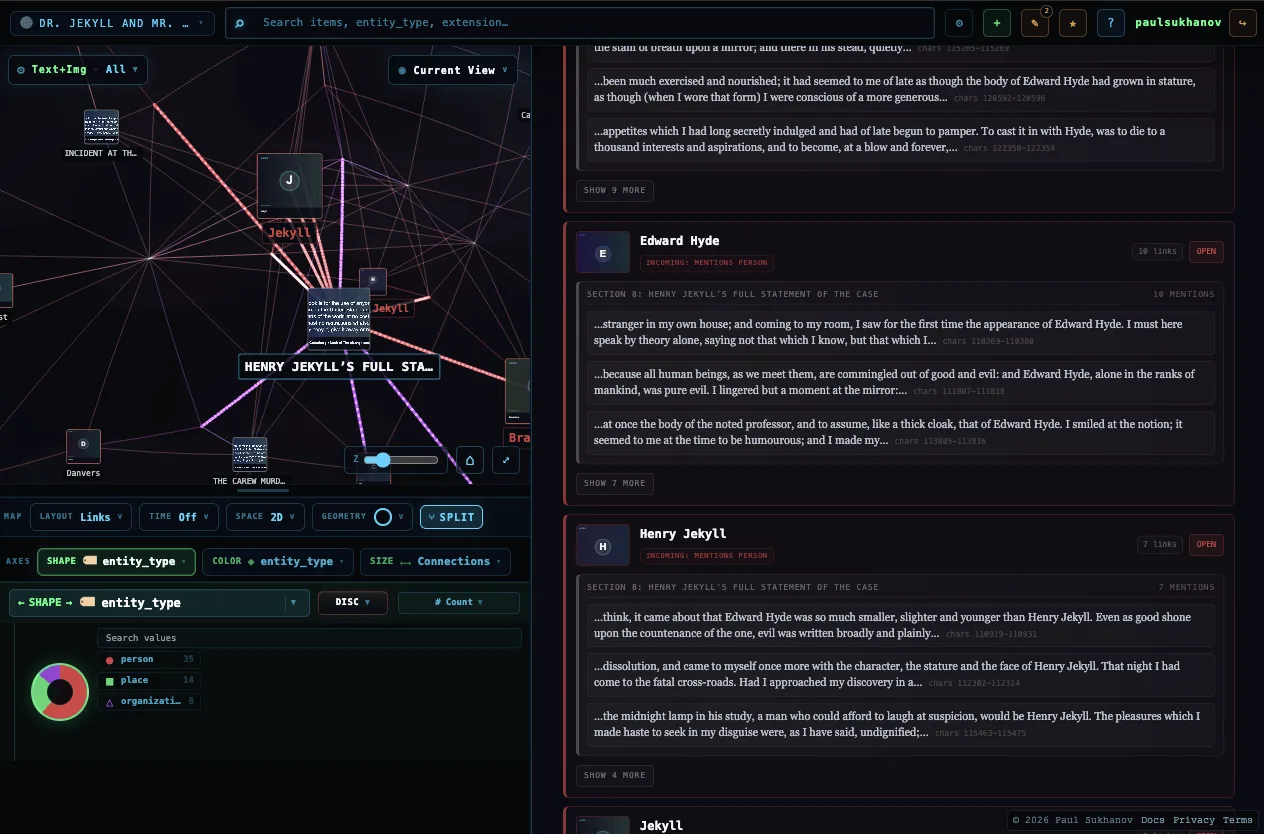
Before anything is mapped, your content is broken into meaningful pieces: entities pulled from text, long documents split into passages, and video cut into scenes. Each piece is embedded on its own, so you can search into the middle of a document or the exact moment in a clip.
Pull people, places, organizations, and concepts out of documents automatically.
Split documents into passages so each idea is embedded and found on its own.
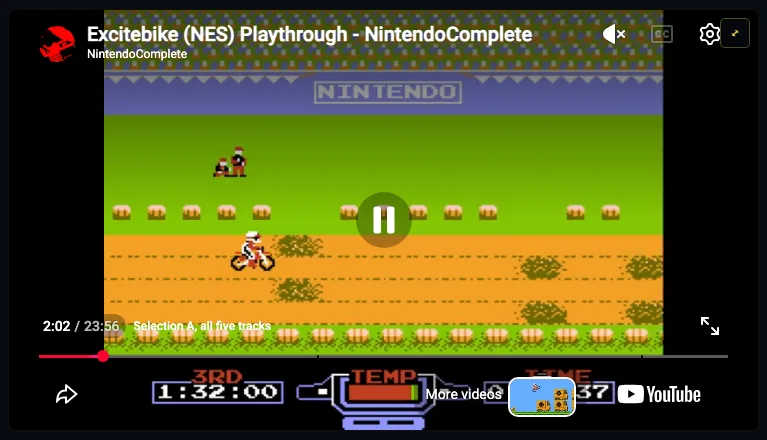
Detect scene changes and turn each shot into its own searchable moment.
Jump straight to the scene that matches a phrase or an example image.
06 Create a universe
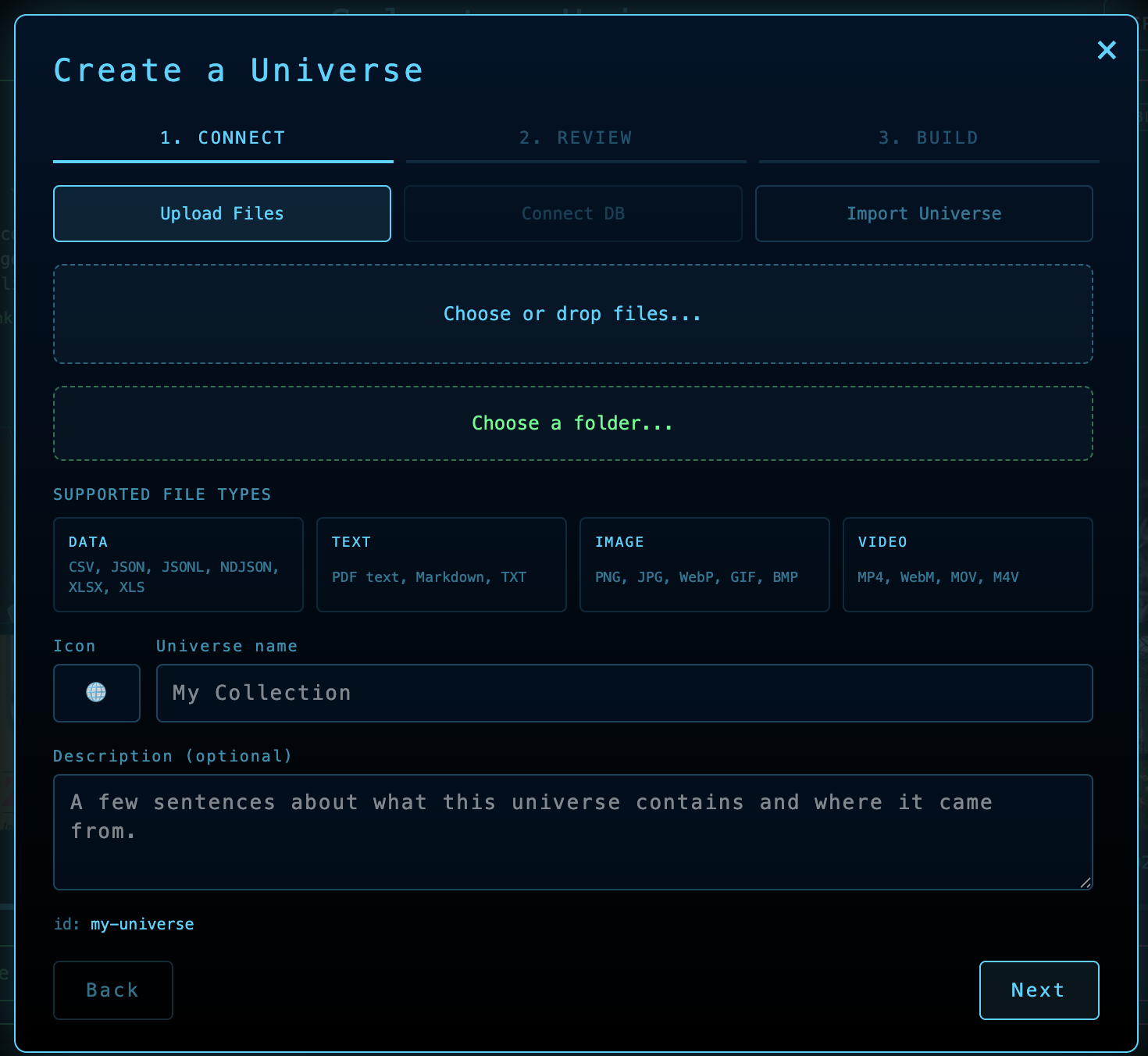
Import mixed source material, split it into meaningful pieces, embed those pieces, extract the people, places, objects, and concepts they refer to, then move through the resulting graph as links or semantic neighborhoods.
07 Private by design
Import CSV, XLSX, JSON, PDF, and media files. Most parsing, entity extraction, and embedding happen locally in your browser. Large CSVs can use account-based cloud processing when server processing is enabled.
Start from spreadsheets, structured files, documents, images, audio, or video.
Build and refine most universes in browser storage; cloud-processed datasets remain tied to your account.
Export bundles that preserve media, edits, routes, and structure.
+ More ways to work
Explore deeply, add what you learn, and carry the result into the next investigation.
Inspect images, audio, video, and text beside the knowledge they describe.
Travel from a selected node to the people, ideas, places, and media around it.
Gather significant nodes into working sets without losing their context.
Refine metadata, relationships, dimensions, and ontology as you learn.
Hold several nodes side by side to weigh their fields, media, and neighbors at once.
Record a path through knowledge and replay the sequence for someone else.
Begin anywhere
You only need a different way to see it.